Let your horn sing,at your own pace.
Rediscover the sixteen harmonics of your instrument. Listen to a note, play it and find your own bearings for playing in tune. AlphornTuner is with you, one breath after another.
- 16harmonics
- 4tools
- 4languages
- Freeno account, no ads
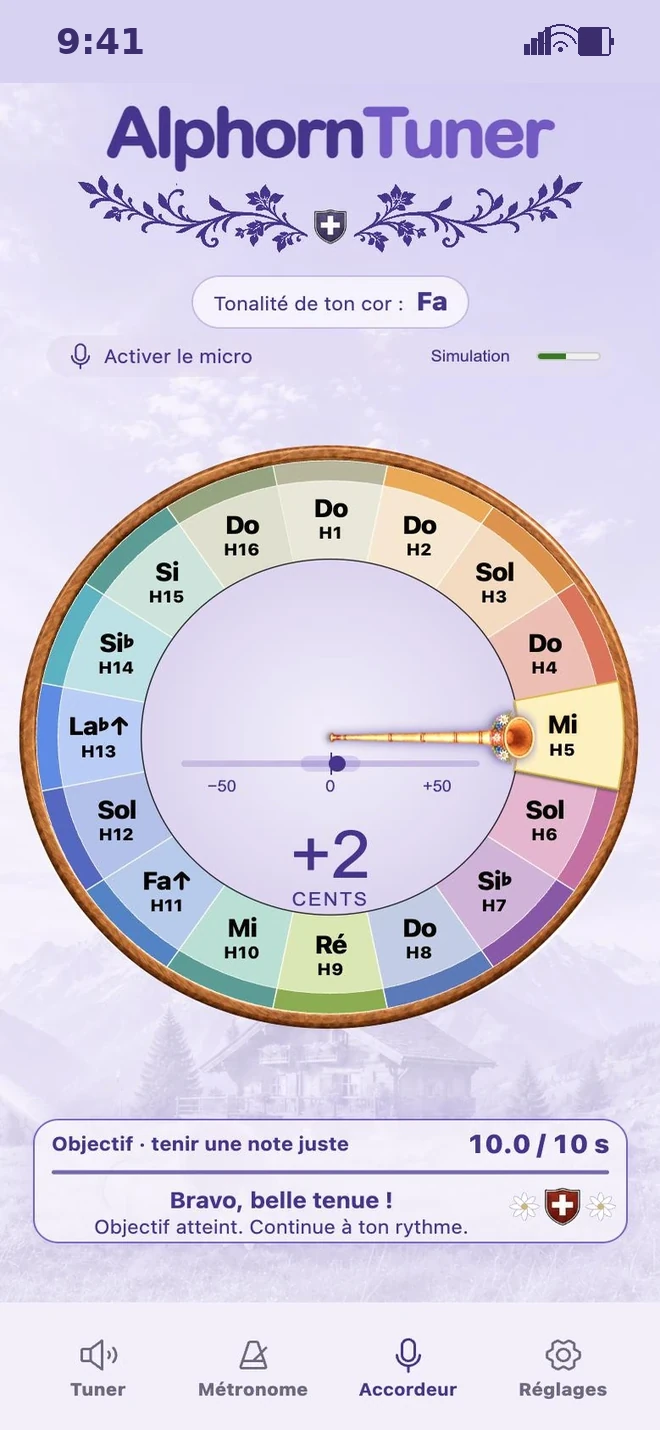

Sixteen harmonics to explore.
The alphorn (Swiss alphorn) sounds a series of natural harmonics. These notes give your instrument its very own colour. Some are close to the notes of a piano, others have a character of their own.
AlphornTuner takes this natural series as its reference. You can explore each harmonic and look for a steady sound, while staying tuned in to your horn.
- Five notes just like the piano
- H11 · the Alphorn F
- H7 and H13 · a colour of their own
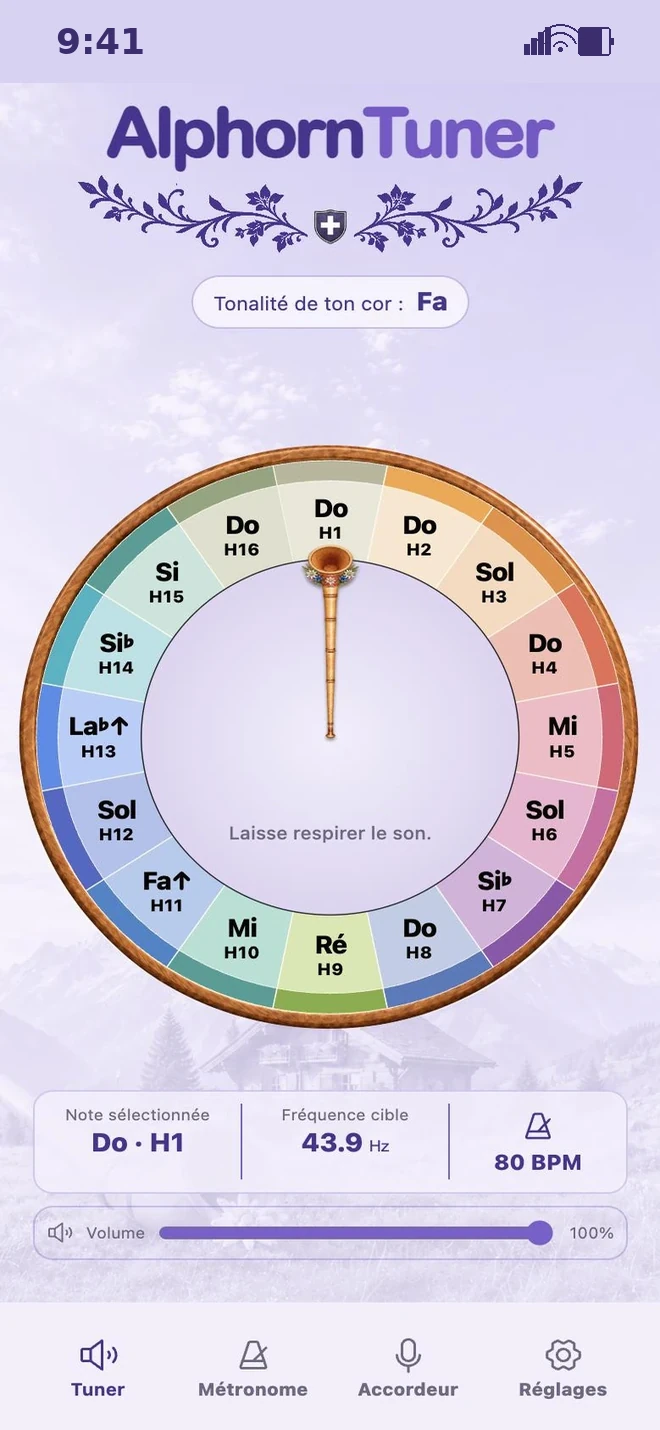
Play a note. Watch it light up.
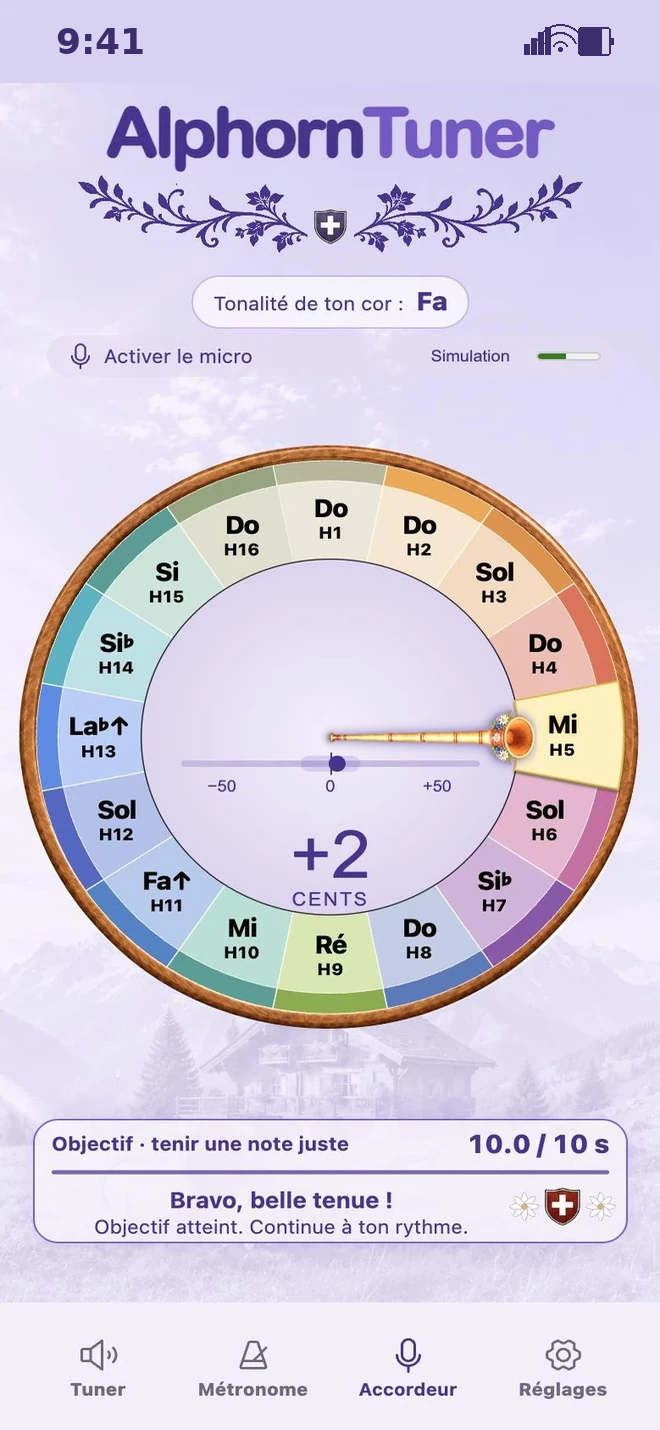
The horn-needle follows the note you play. Here, at +3 cents, you are inside the zone you chose. The counter keeps going while you hold the sound.
“Nicely centred, keep going!
Keep that steady breath.”
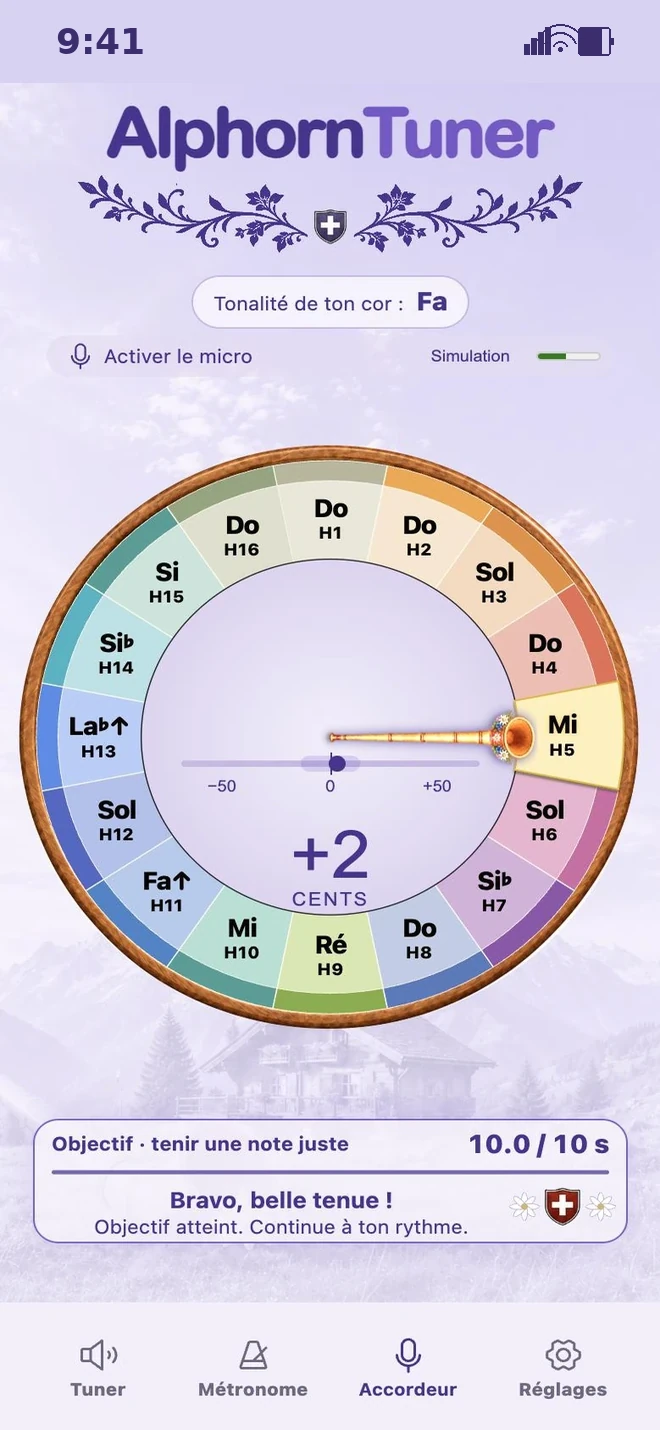
Your companions in music.
- 01 / TUNER
Tuner
Listen to the sixteen harmonics on the wheel. A long press holds the note, so you have time to find it again.
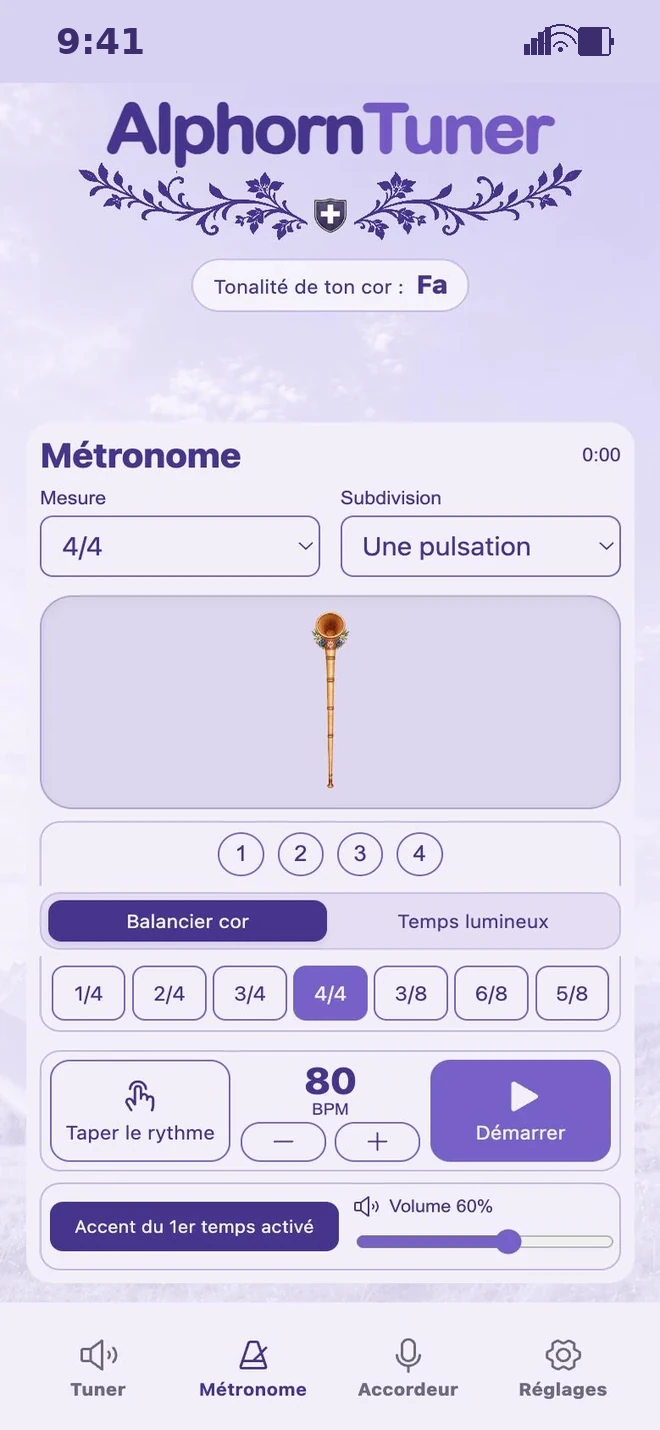 02 / METRONOME
Metronome
Find your tempo, from 30 to 240 beats per minute. Choose from seven time signatures and four subdivisions. Let the swinging horn or the lit-up beats guide you.
 03 / PITCH TUNER
Pitch tuner
Spot the harmonic you are playing and how far off it is. Choose a hold time to practise a steady breath.
 04 / SETTINGS
Settings
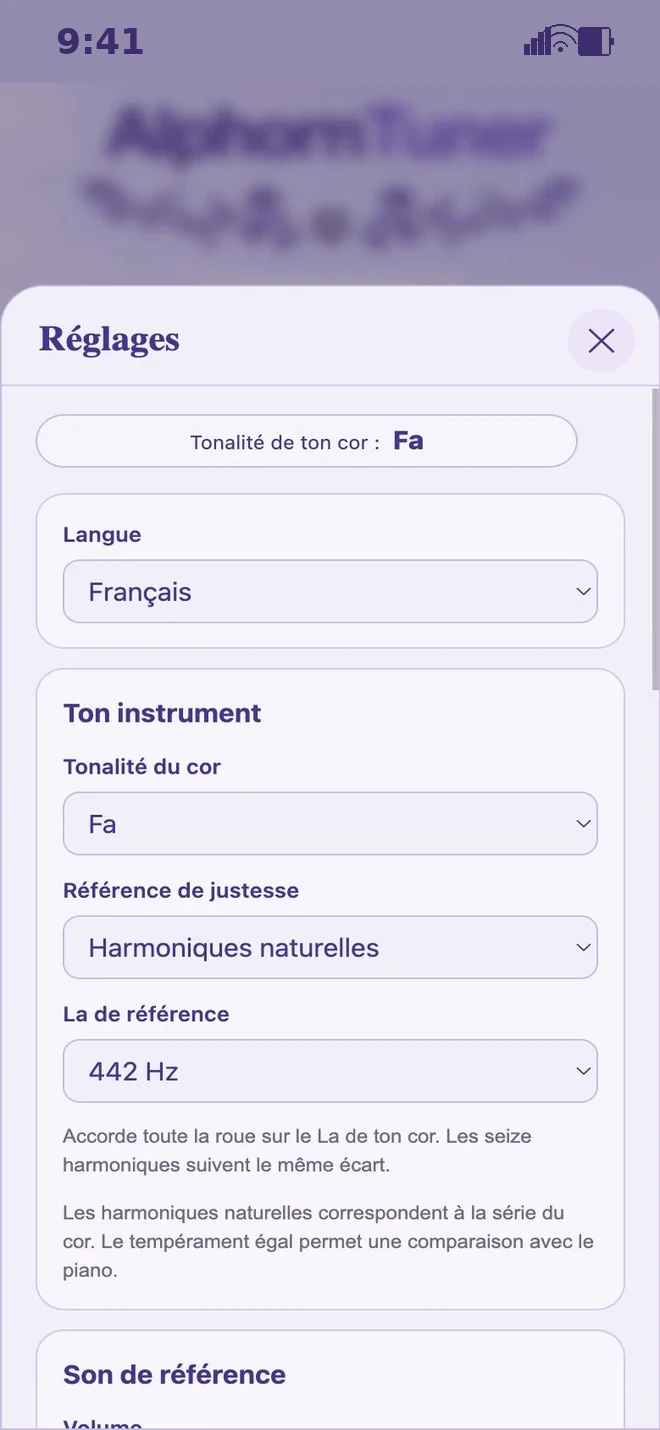
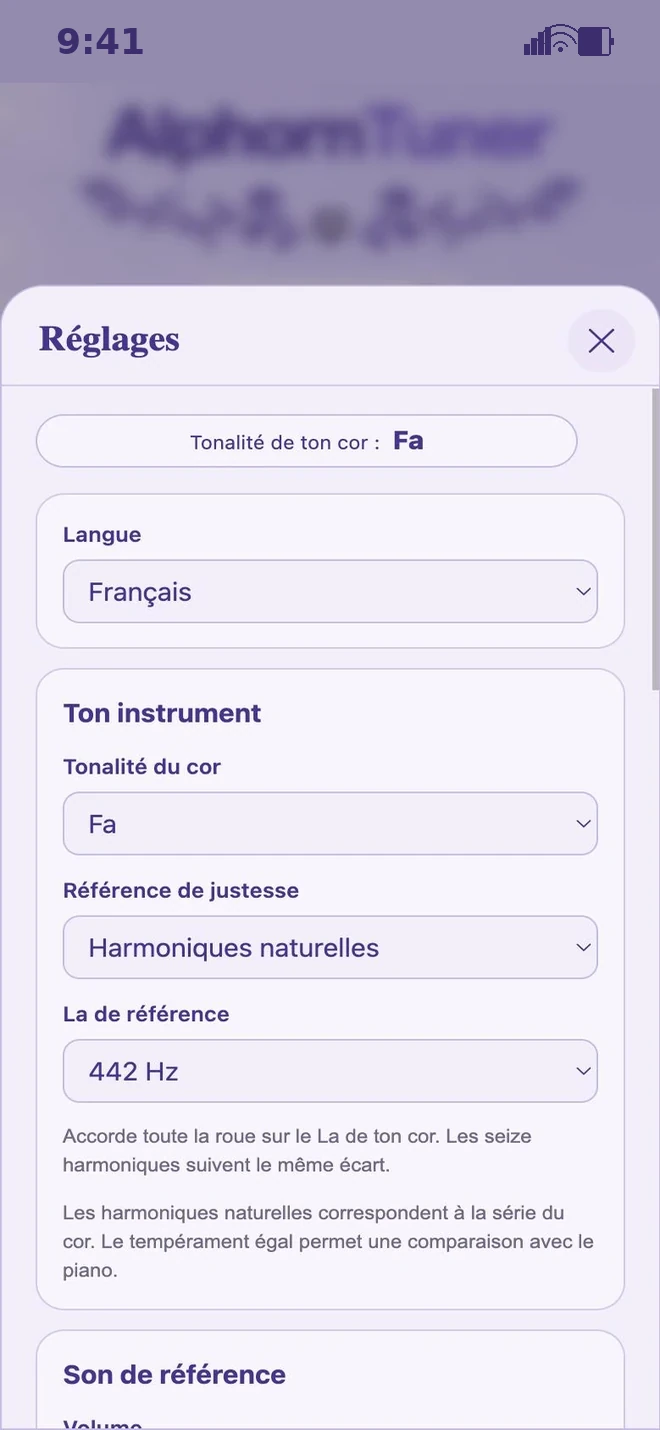
Choose the key of your horn, the reference A and your in-tune zone. You can also adjust the microphone sensitivity to your surroundings.
A setting that follows your horn.
Every horn has its own character. How it was made and how warm it is both shape the pitch of the sound. Take a moment to find your bearings before you play.
Play harmonics 4 to 8, four seconds each. The app uses the middle value of those readings to suggest a reference that suits your horn. You then choose whether to apply it or keep your own setting.
The music carries on as a family.
 AlphornStudiola famille
La maison de la famille : tous les outils au même endroit.
View AlphornStudio AlphornScorel'éditeur de partitions
Écris tes partitions avec des cartes : un clic, une note.
View AlphornScore AlphornTrainerapprendre et jouer
Apprends le cor des Alpes, une harmonique à la fois.
View AlphornTrainer AlphornTunerl'accordeur
Accorde-toi sur les harmoniques de ton cor.
 AlphornZikla bibliothèque du musicien
Ta bibliothèque : partitions, répétitions et concerts.
Coming soon AlphornSpotsles lieux pour jouer
Les plus beaux endroits pour jouer, sur la carte.
Coming soon
A few answers before you play
Do I need to install anything?
Just open AlphornTuner in your browser, on a computer, tablet or phone. It is free and there is no account.
What is the difference between the Tuner and the Pitch tuner?
The Tuner plays a reference note for you. The Pitch tuner listens to the one you play and helps you see how in tune it is.
Is this a chromatic tuner?
AlphornTuner is made for the sixteen harmonics of the alphorn. For a piano or a guitar, choose a tuner made for that instrument.
Do I need an internet connection?
Yes, to open the app. The secure site alphorntuner.ch also lets you use the microphone, with your permission.
Now it’s your turn to sound the first note.
Open the app, allow the microphone and play calmly. Your harmonic appears on the screen.
Open AlphornTuner